Blog · Web development
Website sitemap: the rules to follow
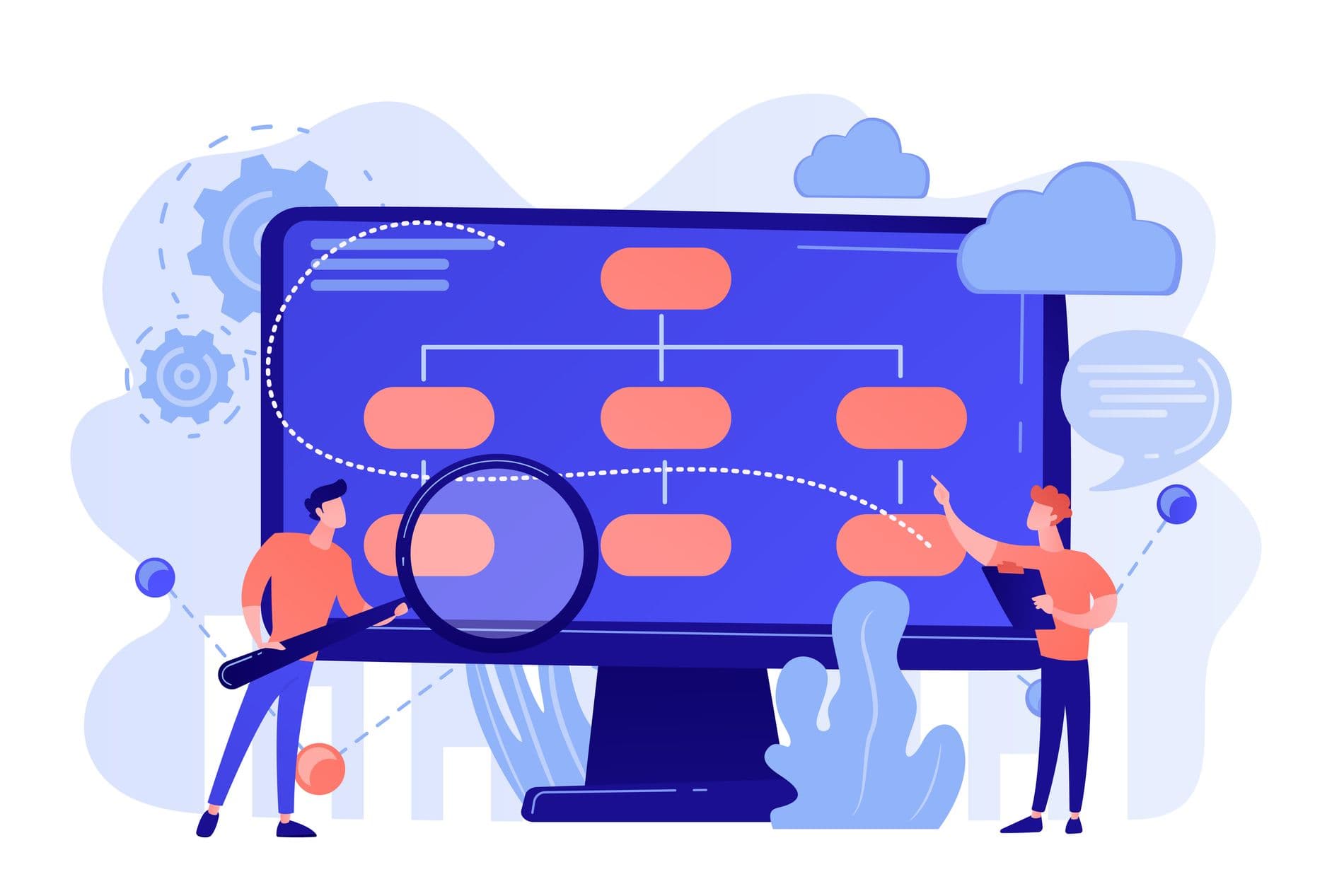
Discover the ideal website sitemap: structure, menu, pages, and internal linking to better guide your users and boost SEO.
You want a clear website that helps visitors quickly find the right page and gives Google an easy-to-read structure. It all starts with the sitemap. A well-thought-out website sitemap improves navigation, SEO, and conversion rates—without needing to add more content.
The rules that change everything from the first pages
A good sitemap isn’t a technical drawing. It’s a navigation logic that guides the user and an architecture that search engines understand effortlessly. When these two points align, website creation becomes simpler, design flows better, and organic ranking improves faster.
Rule 1: Start with the goal and user journey
Before discussing menus, pages, or categories, answer one simple question: What should your visitors be able to do on the site in under a minute?
For SMEs or small businesses, the goals are often the same: understand the offer, verify the company’s credibility, request a quote, buy a product, or find specific information. Your website sitemap should place these goals at the top level of navigation—or at most one click away.
Look for a structure that follows the journey: arrival from Google, reading the main page, then direct access to a category or key page, then action. This journey must remain logical, even if a user doesn’t go through the homepage.
The right question to ask is this: If a visitor lands on a service page from an online search, can they understand the rest of your content and navigate to the next page without searching?
Rule 2: Limit depth without oversimplifying
You often hear about the three-click rule. It’s not magic, but it’s a good guideline. The deeper a page is in the architecture, the more likely users will ignore it, and the fewer internal links it receives. As a result, indexing is less effective, and SEO loses strength on important pages.
The goal isn’t to put everything at the same level. The goal is to prioritize intelligently.
A healthy structure often looks like this: main page, categories, then detailed pages. For an e-commerce site, you might add a subcategory, but avoid creating levels just to “organize.”
When you have too many levels, your menu becomes confusing, navigation weakens, and users get lost. When you have too few levels, you mix different content into one category, and the logic breaks. The right balance depends on the volume of pages and products, and above all, how your users search for information.
Rule 3: Name categories the way your visitors speak
The labeling of categories and pages is a detail that makes all the difference. A website sitemap can look good on paper but still fail because the vocabulary isn’t clear.
A user doesn’t search for “Solutions” or “Expertise” on Google. They search for “showcase website,” “redesign,” “maintenance,” “management software,” or “restaurant menu,” depending on your business. Your navigation should speak the language of search, not internal jargon.
This is also an important SEO point. When menus, page titles, and content use words close to search intent, Google better understands the structure, and search engines more easily connect pages together.
If you’re unsure, stick to one simple rule: A category should be understood without context, and a page should clearly announce what you’ll find there.
Rule 4: Design the sitemap as a reading plan for Google
Google doesn’t “see” your site like a human. It follows internal links, analyzes the structure, and tries to understand which pages are primary, which are secondary, and which are linked by a common logic.
This is where architecture proves its value. A clear website sitemap helps search engines crawl your pages faster, index content better, and associate each page with a precise category.
A simple example: If you have a “Services” page and three pages—“Service A,” “Service B,” “Service C”—the “Services” page should serve as the entry point. It should contain visible internal links to the detailed pages, and those pages should link back to the main category page. This internal linking reinforces coherence and supports organic ranking.
Conversely, if each page stands alone with few internal links, you create orphan pages. These are harder for Google to discover and contribute less to user navigation.
Structures tailored to your site type
A sitemap isn’t something you copy. However, there are proven models that work well because they follow a simple, user-expected logic.
SME or small business showcase site: the most effective structure
A high-performing showcase site highlights the offer and provides proof. It must quickly answer visitors' questions and guide them toward making contact.
For this type of site, the most robust website structure often follows this line:
Home, Services, Projects or Case Studies, About, Contact.
The real optimization then happens on the service pages. Instead of a single page that mixes everything, create a main “Services” page and multiple dedicated pages, each tied to a clear search intent. This architecture helps users make choices and helps Google rank pages for different queries.
The menu stays short, navigation is smooth, and the user journey is logical: discovery, reassurance, action.
E-commerce site: categories, products, and clean indexing
For a site with products, the website structure must above all avoid two pitfalls: too many subcategories or poorly defined categories.
An effective e-commerce architecture starts with real categories, aligned with how users search. Then, you can add a subcategory if it has a clear purpose. Finally, you reach the product pages.
What matters for SEO is consistency. Each product must belong to a logical category, each category must have a page that explains the offer, and internal linking must guide users to products as well as useful content.
Another key point concerns filters and internal navigation. If your site generates different pages for each filter, you can end up with hundreds of unnecessary URLs. This complicates indexing and confuses the structure for Google. The design must address this issue from the start.
Content-focused site: pillar pages and supporting content
If your strategy relies on organic search and SEO, the structure must organize content like a clear library.
Start with pillar pages. These are main pages, designed around a strong theme, that summarize the topic and link to more specific pages or articles.
Then, create supporting content—more targeted pieces that answer precise queries. Each piece links back to the pillar page, and the pillar page links to the content. This internal linking strengthens authority, improves user experience, and helps Google understand the architecture.
The main risk here is dispersion. Too much content without clear categories, and your pages no longer reinforce each other. A well-designed website structure avoids this by creating distinct categories and a logical internal linking system.
The simple method to build a clear structure without getting lost
A good structure is always built in the same order. Not by opening a creation tool, not by designing a menu, and not by starting with the design. You start with the information and the logic.
List the goals and essential pages
Begin with pages that have a direct impact on the business. Pages that explain the offer, pages that convert, pages that reassure.
At this stage, you need to be strict. If a page doesn’t have a clear purpose, it shouldn’t be a priority in the structure.
Group content into understandable categories
A category is a natural grouping for the user. It’s not a “practical” grouping.
Group pages by theme and search intent. Then, ensure each category can be summarized in a single, simple word that makes sense to your visitors.
This is also where you avoid overly long menus. A main menu must remain readable. Secondary pages exist, but they shouldn’t all appear in the primary navigation.
Define the hierarchy and levels
Now, you need to define the structure: main page, category, detail pages.
The goal is to have a stable architecture, even if you add content later. A solid website tree structure supports growth. It allows you to add pages without breaking the logic.
This step is also tied to URLs. A consistent URL reflects the structure. It helps users navigate and helps Google understand a page’s category.
Plan internal linking from the design stage
Internal linking isn’t a bonus. It’s a cornerstone.
Each main page should receive internal links from the menu and other pages. Each content page should link to a key page. Each service or product page should be connected to its category and useful content.
This network of internal links improves navigation, increases time spent on the site, and sends clear signals to search engines. It also helps distribute authority across pages and optimize organic ranking.
What makes a website tree structure truly effective for SEO and user experience
A correct structure may suffice for a small site. But an optimized structure does more. It improves visibility on Google, internal navigation, and conversion potential.
Key pages must be visible and reinforced
Your most important pages should be easy to find and easy to understand. They should appear in the menu or be accessible in one click from a category.
Then, they should be reinforced by internal links. The more relevant internal links a page receives, the easier it is for Google to explore, and the more central it becomes in the architecture.
This is the difference between a site that “exists” online and one that progresses in organic ranking.
Consistency between menu, content, and internal links
An effective website tree structure aligns three elements.
The menu announces the structure. The content explains and answers search queries. Internal links guide and connect pages.
If these three elements contradict each other, the user hesitates. If the user hesitates, they leave. The bounce rate increases, and the experience degrades. Even without considering algorithms, it’s a clear signal: the navigation isn’t doing its job.
A few benchmarks to check if your structure is sound
A good test is to look at your site as a user who doesn’t know you.
Are the menu labels clear? Do the categories match search intent? Does each page have a logical place in the architecture? Do internal links truly guide users? Can Google crawl your pages without hitting dead ends?
If you have doubts, it’s rarely a design issue. It’s often a problem with the tree structure, internal navigation, or poorly planned linking.
Go further with a site structure that truly serves your business
A successful website structure is one that helps your users, improves Google indexing, and turns your pages into clear journeys. It also makes content creation simpler and more profitable, because every page has a defined role, category, and coherent internal links.
At Scroll, we build website architectures that serve SEO and conversion from the very start. We begin with your goals, user search intent, and navigation logic. Then, we structure the pages, menu, content, and internal linking to create a readable, robust, and scalable site. If you're planning a new site or a redesign, this is often the step that saves the most time and prevents the most long-term mistakes.
Frequently asked questions
What exactly is a website sitemap?
It’s the structure of your pages, organized into categories and navigation levels. It defines the menu, user journey, and the architectural logic understood by Google.
Why does the sitemap impact SEO so much?
A clear sitemap helps search engines crawl your pages, understand your content, and improve indexing. With strong internal linking, your key pages rank higher in organic search.
How many levels should a website structure have?
For most sites, 2 to 3 levels are enough: homepage, category, and detail pages. The more you stack, the worse navigation becomes, and the more your internal links lose value.
What makes good internal linking in a website sitemap?
It’s a logical network of internal links: pages in the same category link to each other, main pages receive links, and no important page is left isolated. This improves user experience and conversion rates.