Blog · Web development
How to create a website: a step-by-step guide
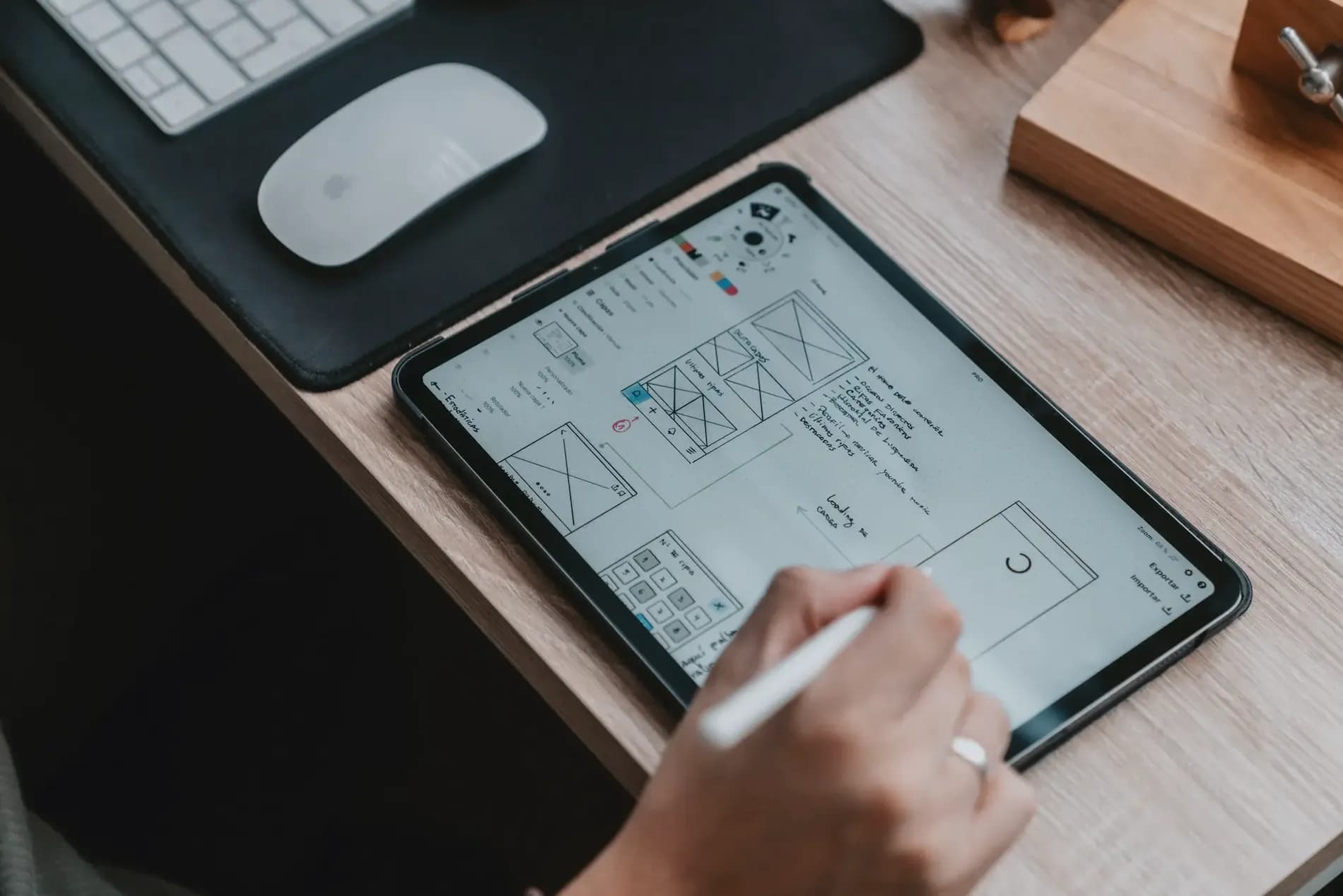
Where to start when creating a website? What are the key steps? Scroll tells you everything
Creating a website in 2026 involves 7 key steps: defining the site’s purpose, choosing a platform (Webflow, WordPress, Shopify, Bubble, etc.), reserving a domain name and hosting, designing the layout, creating content, implementing features, and testing before launch. Budgets range from a few hundred euros (DIY) to several thousand euros (agency), depending on complexity.
This guide breaks down each step, the tools suited to every budget, and the pitfalls to avoid. For a detailed budget breakdown, see our article Website cost in 2026.
1- Define your website’s purpose
To create a successful website, it’s essential to start by clearly defining its purpose.
Determine the type of website you want to create
The first thing to consider is the type of website you want to build. It could be a showcase site to present your business, an e-commerce site to sell products online, or a blog to share articles and news. Each type has specific features that must be considered from the project’s outset.
Identify your target audience
Once you’ve determined the type of website you want to create, it’s important to identify your target audience. Who are the people you want to reach with your website? What are their needs, interests, and expectations? By understanding your target audience, you’ll be able to design a website that meets their needs and aligns with their expectations.
Define the goals you want to achieve with your website
Finally, you need to define the goals you want to achieve with your website. These could include generating leads, selling products, boosting brand awareness, or establishing your expertise in a particular field. Whatever your goals, it’s important to define them clearly from the start to guide your website’s creation in the right direction.
2- Choose a platform for your website
Once you’ve defined your website’s purpose, it’s time to choose the platform you’ll use to build it. There are many options available, each with its own pros and cons.
4 examples of platforms available to create a website
Wordpress
It’s the most widely used website creation platform in the world. With great design flexibility, it makes it easy to develop simple sites. For more complex sites, it offers a wide range of plugins that require more advanced skills.
Webflow
A low-code/no-code platform for website creation that offers great flexibility and highly polished design. Perfect for hosting and building ultra-professional, high-performance sites.
Bubble
A web development platform based on "no-code" technology that enables the rapid and easier creation of high-performance web applications compared to traditional coding.
Squarespace
An all-in-one platform that allows you to quickly and easily create a website, ideal for professionals seeking a simple site.
How to choose the best platform based on your needs?
To choose the best platform for your needs, it’s important to consider several criteria such as the complexity of your website, your technical skills, your budget, your goals, and your target audience. It’s also recommended to read reviews and comparisons of different platforms to help you make your choice.
3- Choosing a domain name and hosting
Now that you’ve chosen the platform to build your website, it’s time to move on to the next step: selecting a domain name and hosting.
How to choose a domain name suited to your website?
A domain name is your website’s web address. It should be easy to remember and type for visitors, and in most cases, it should include your brand name. Keep in mind that some domain names may already be taken, so it’s wise to have several options ready.
The different hosting options available
Hosting is the service that stores your website on a server and makes it accessible online. There are several hosting options available, ranging from free hosting to paid professional hosting. Free hosting may seem appealing, but it often comes with limitations in terms of storage space, bandwidth, and features. Paid hosting typically offers more advanced features and more reliable technical support.
Platforms like Webflow or Bubble offer built-in hosting.
How to choose the best hosting provider for your website?
To choose the best hosting provider for your website, it's important to consider several criteria such as the quality of technical support, security, performance, and cost. Once again, don’t hesitate to read reviews and comparisons of hosting providers to help you make the best choice.
4- Design your website
Your website’s design is one of the most important aspects for creating a positive user experience and attracting visitors.
Key elements of a good website design
To design a great website, it’s important to consider several key elements such as simplicity, readability, accessibility, consistency, and visual hierarchy.
Tools for creating a professional design
To create a professional design, there are many tools available, such as themes and templates. Themes are pre-designed layouts you can purchase or download to customize your website. Templates are pre-built page models that allow you to quickly create pages with a consistent design. Webflow offers a wide range of templates to get your site started.
How to customize your design to reflect your brand
It’s important to customize your design to reflect your brand’s visual identity. You can do this by adjusting colors, fonts, images, logos, and illustrations. It’s also crucial to maintain visual consistency throughout your website to create a harmonious user experience.
5- Create content for your website
Creating high-quality content is essential to attract visitors to your website and encourage them to stay and engage with it.
How to write quality content for your website
To write quality content, it’s important to know your target audience and provide relevant, useful information for them. You can also use tools to help find interesting topics, such as Google Trends.
The different types of content you can offer
There are various types of content you can feature on your website, such as blog articles, images, videos, podcasts, etc. It’s important to choose the type of content that best suits your target audience and your website’s goals. For example, if you want to showcase your products, images and videos are great options.
How to optimize your content for search engines (SEO)
It’s also important to optimize your content for search engines. SEO is a set of techniques that improve your website’s ranking in search engine results, like Google. To optimize your content for SEO, you can include relevant keywords in your titles and body text, optimize images by adding descriptions and alt tags, and create internal and external links to other pages on your website.
6- Set up the basic features of your website
Setting up the basic features of your website is a crucial step in creating a functional and easy-to-navigate site for your visitors.
Key elements of a functional website
The key elements of a functional website include a clear and easy-to-use menu, informative pages, a contact form, and other features specific to your type of website.
How to add these features to your website
To add these features to your website, you can use tools such as plugins or extensions depending on the chosen platform.
Common mistakes to avoid when implementing these features
It’s important to note that when implementing these features, you must be careful to avoid common mistakes that could negatively impact your website. These include creating a menu that’s too complex or unintuitive, adding too many pages that can make navigation confusing for visitors, or forgetting key elements such as a contact form or social media sharing buttons.
7- Test and launch your website
Once you’ve finished creating your website, it’s time to test and launch it. It’s important not to rush the launch and to take the time to test all features to ensure everything works correctly.
Test all features before launching your website
The first step is to perform functionality tests. Try all the site’s features and check if they work properly. Also ensure that all pages display correctly and that links work and lead to the right places.
How to test compatibility across different browsers and devices
You’ll need to test your site’s compatibility with different browsers and devices. Check that your site works with the most common browsers such as Chrome, Firefox, Safari, and Internet Explorer. Also ensure your site is optimized for mobile devices and fully responsive—over 60% of Google searches are done on mobile!
How to successfully launch your website
Before launching your website, make sure everything is ready. Verify that your domain name and hosting are properly configured. Also ensure your site is well-indexed on search engines by applying SEO best practices.
Create your website with Scroll agency
At Scroll, we’re experts in website creation! Thanks to our no-code expertise, we develop ultra-professional, high-performing, and well-referenced sites with you to take your business to the next level! Our Webflow agency is made up of Webflow platform specialists able to create a website that perfectly meets your expectations and in no time! If you have a project, don’t hesitate to contact us.
Rather than handling everything yourself, you can entrust the creation of your website with a custom CMS to our team.