
Blog · Automation
n8n vs Make vs Zapier: which tool to automate your processes?
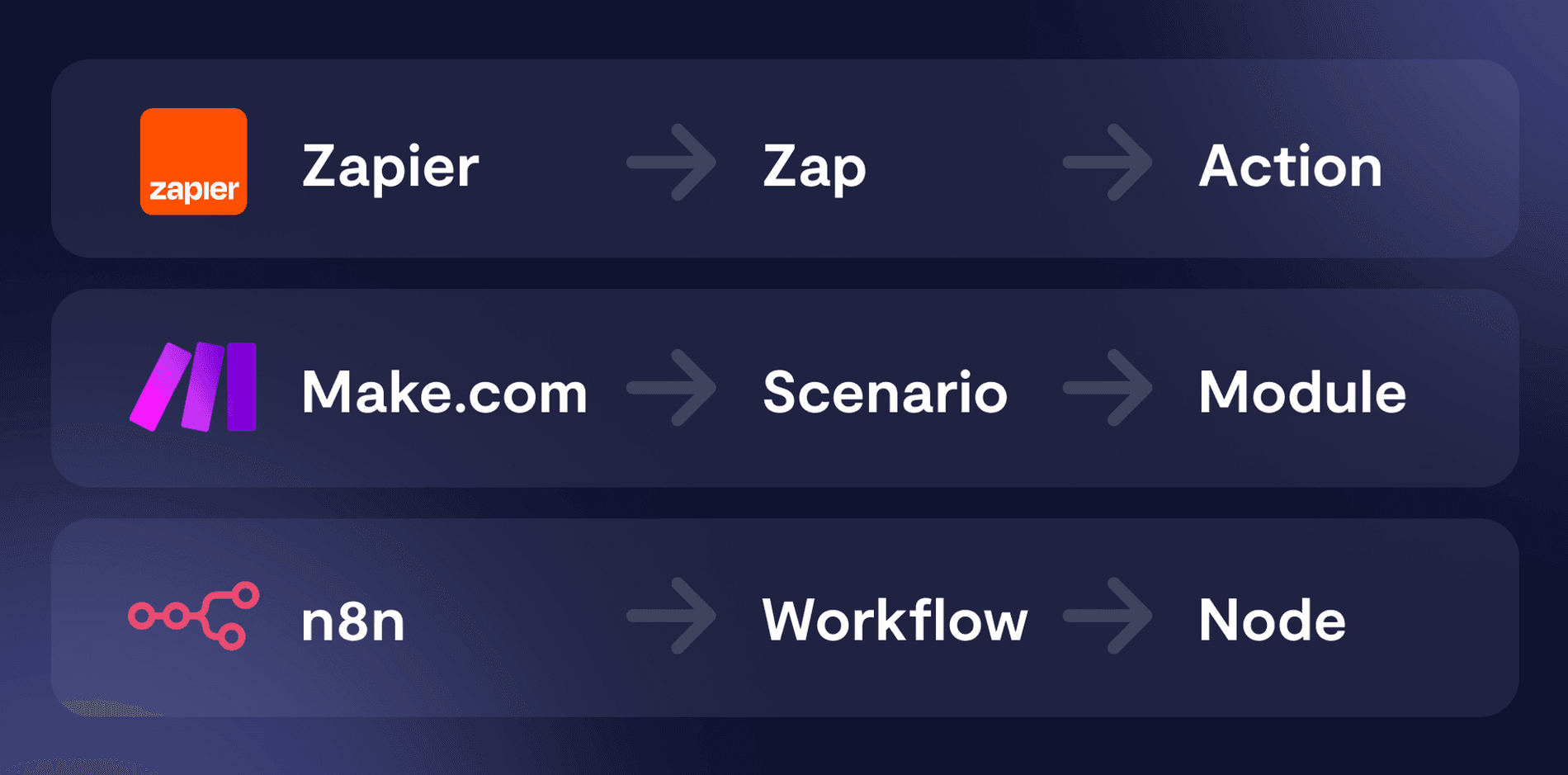
Zapier for quick starts, Make for complex visual scenarios, n8n for sovereignty and control. An honest comparison to help you choose.
Automating a process—linking your emails to your ERP, qualifying leads, or syncing two tools—almost always involves one of these three. They appear to do the same thing; their value differs by context.
Zapier: quick start for simple use cases
Zapier is the most accessible. Thousands of ready-made connectors, a “when this, then that” logic, zero technical skills required. Ideal for solo users or small teams looking to connect two SaaS tools without overthinking.
Its limitations appear quickly: task-based pricing becomes expensive at scale, complex conditional logic is cumbersome, and your data transits through Zapier’s infrastructure (US-based).
Make: visual workflows for complex scenarios
Make (formerly Integromat) goes further: a powerful visual editor, branching, loops, and fine data manipulation. For multi-step scenarios with business logic, it outperforms Zapier and is often cheaper at scale.
We’ve delivered many projects on Make—see our Make Agency. But like Zapier, it’s a SaaS: per-operation costs and data hosted by the provider.
n8n: sovereignty and control
n8n is in a different league: it’s open source and self-hostable. You run it on your own infrastructure (OVH, Scaleway, private cloud)—your data and credentials never leave your perimeter. Critical when handling client data or sensitive documents.
Three key differences in production:
- Cost: no per-task billing. At scale, the gap with Zapier/Make becomes significant.
- Sovereignty: GDPR-compliant by design, hosted wherever you choose, ideal for integrating a sovereign AI model like Mistral into your workflows.
- Control: workflows can be versioned like code, tested, and deployed cleanly.
It’s the backbone of our automations—details on our n8n Agency.
How to choose, in practice
- Zapier if you want to connect two SaaS platforms tomorrow morning, with no technical skills, at low volume.
- Make for rich visual scenarios, with non-sensitive data, at moderate volume.
- n8n whenever sovereignty, volume, AI in workflows, or production reliability (retries, monitoring, idempotency) are required.
The right approach isn’t to migrate for the sake of it, but to assess the ROI: how much human time saved, what error risk avoided. We review this with you before writing a single workflow — including for taking over and securing existing Make or Zapier scenarios.


-1-900x675.jpg&w=2048&q=75)