Blog · Web development
PWA: Differences, Benefits, and Examples
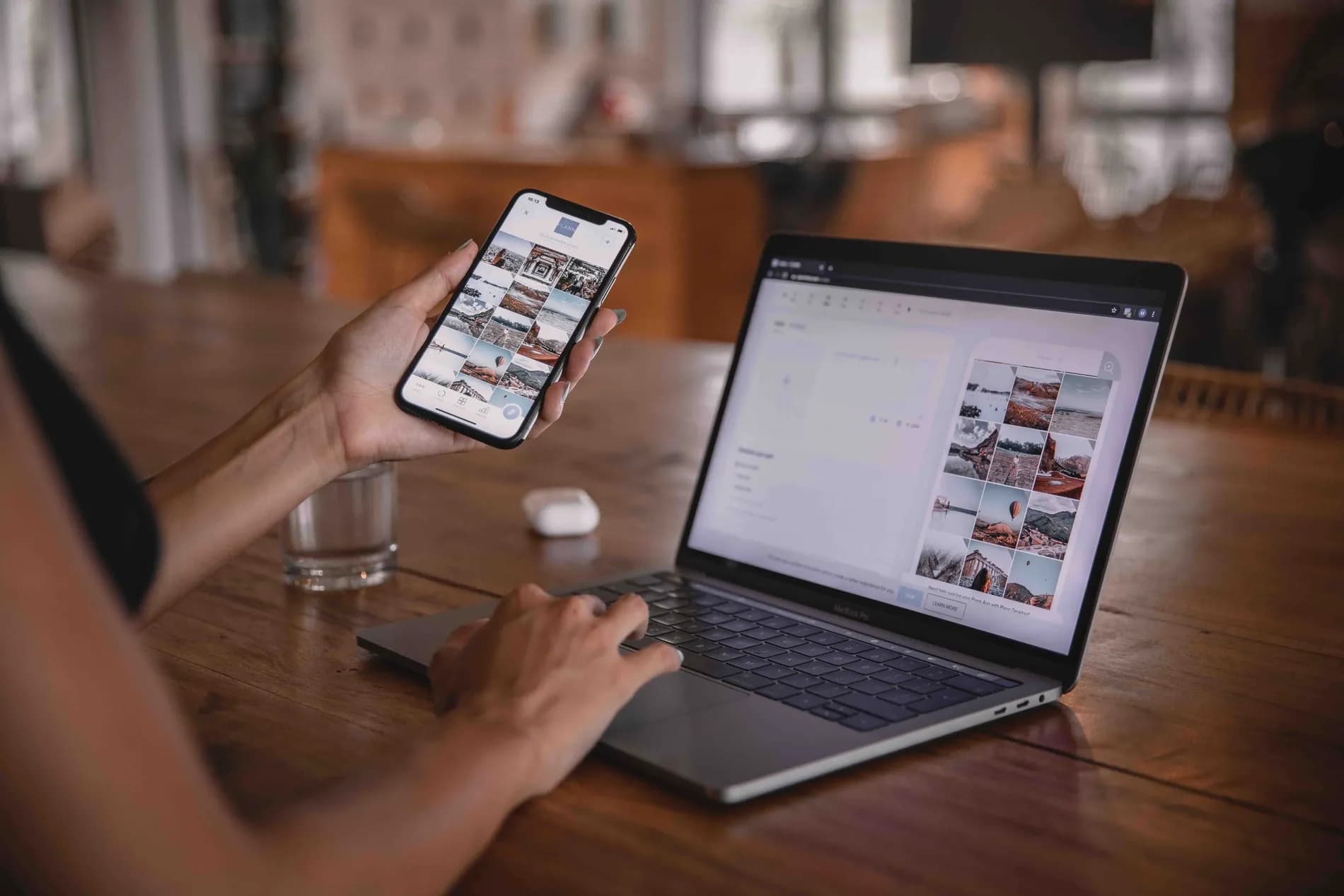
What is a PWA? How does it differ from a native app? Scroll explains everything
PWAs may seem complex at first glance, but you might be surprised by the benefits they can bring to your business. What is a PWA? How does it differ from a traditional app? What are its advantages? We explain it all!
What is a PWA?
The term PWA (progressive web application) refers to an online application that leverages the most advanced web technologies to provide users with an experience similar to that of native apps. The 'progressive' aspect means they deliver a consistent and adaptive experience across all platforms and browsers.
Major companies like Twitter, Pinterest, and even Google are increasingly using PWAs. If you frequently visit any of these websites, there’s a good chance you’ve already used a PWA without even realizing it.
It is possible to use no-code app-builders to create PWAs, which significantly simplifies the process.
PWA vs. Native App: Key Differences
A common question when discussing PWAs is: what are the differences between PWAs and native apps? The answer is straightforward: a PWA is a web application that uses the latest web advancements to deliver a user experience comparable to that of a native app. PWAs include additional features that allow them to function like real apps, but they load just like any other web page.
On the other hand, native apps are developed exclusively for a single platform, such as iOS, Android, or Windows. They must be downloaded and installed on the device to access all features, including the camera, GPS, push notifications, and more. While native apps are more complex and costly to develop and deploy than PWAs, they offer a more immersive user experience.
When Should You Develop a PWA?
There are several reasons why developing a PWA might be a good idea. Here are a few:
1. If you want to provide a smooth and immersive user experience with minimal loading times and latency, a PWA is the perfect solution.
2. If you're targeting users with limited or unstable internet connections, a PWA can be extremely useful. Indeed, PWAs can be designed to work even without an internet connection.
3. If you want users to be able to install your website or app on their device, a PWA is ideal.
4. Finally, if you're looking to create a unified user experience across all devices and platforms, a PWA is the way to go.
The benefits of a PWA
PWAs improve accessibility
They allow access to online content without an internet connection, adapting to all devices and supporting advanced web features. They are also easier to develop and deploy, reducing production costs.
Updates are simpler with PWAs
Developers only need to update the code on the server for all users to automatically receive the updates at the same time. Additionally, PWAs can update in the background, meaning users don’t even need to know an update has occurred.
PWAs are more secure
They offer better security. Viruses and malware are less likely to affect PWAs since their data is stored on secure servers rather than on the devices themselves.
PWAs are high-performing
They leverage the latest browser technologies to deliver a premium user experience. In particular, PWAs benefit from Service Workers, which allow apps to work offline and load faster. Service Workers are only available on modern browsers, which is why PWAs are so performant.
Bubble, a tool for developing a PWA
PWAs are growing in popularity, and Bubble is an ideal platform for creating them. Bubble is a no-code tool that allows you to develop web applications visually, without any coding knowledge. It is therefore perfect for no-code developers who don’t know how to code.
Additionally, Bubble offers many advanced features for experienced developers. With Bubble, it’s possible to develop highly functional web applications.
If you're not convinced by Bubble, read our article Why build a PWA on Bubble?
PWA Examples
PWAs have already been adopted by several popular major companies. In recent years, web developers have shown increasing interest in this technology, aiming to create their own PWAs.
Here are three corporate PWA examples you’re sure to recognize:
One of the first companies to use PWAs was Pinterest. To provide users with an optimal experience across all devices, Pinterest launched its first PWA in 2017.
Even on the go, users can enjoy a fast and smooth experience with Pinterest’s PWA. Additionally, it allows data to be stored on the user’s device so they can access it even when offline.
Pinterest significantly improved its user experience by deploying its PWA. A PWA is something you should consider if you want to offer your users the best possible experience.
Tinder
Tinder launched Tinder Online, its web version, on January 21, 2019. As a PWA, it loads faster and is lighter than the original. Users can access it in multiple countries worldwide.
Since Tinder Online is a lightweight version of the app, it loads faster and uses less data. Users who don’t want to download the full app or lack access to a high-quality network can consider this option. Tinder Online is also useful for those who don’t want to install the app on their phone.
Uber
Nothing beats a smartphone app for ride-sharing! To make it easier for drivers and passengers to connect for rides, Uber created a PWA. Uber’s PWA app is fast and lightweight, making it ideal for daily urban travel. It works just as well on tablets as on smartphones, allowing drivers and passengers to connect and find rides with ease.
Scroll helps you develop your PWA
Do you have a PWA project? Do you want to improve your website’s user experience? We’re here to help! At Scroll, our agence Bubble brings together no-code experts ready to offer tailored solutions that perfectly meet your needs. Using the Bubble tool, we bring your PWA projects to life! Feel free to contact us!