Blog · No code
No-Code CMS: The Best CMS Platforms for Development Without Coding
What are the best no-code CMS platforms? Scroll tells you everything
No-code is becoming increasingly popular, and CMS platforms continue to multiply and compete. Do you also want to switch to no-code but don’t know which CMS to choose? We explain it all!
What is a no-code CMS?
No-code
No-code is a highly popular development approach today that allows you to build websites without writing a single line of code. Thanks to various tools and platforms, development has transformed into a visual design process, often based on the drag-and-drop principle of pre-built elements.
No-code makes website development more accessible since it no longer requires any specific knowledge of programming languages.
Definition of a no-code CMS
There are more and more no-code CMS (content management system) platforms on the market, but what exactly are they? A no-code CMS is a platform that enables users to create and manage websites without writing any code. No-code CMS platforms offer a visual drag-and-drop interface for website creation, making it more accessible to users without programming language knowledge. Many no-code CMS platforms also provide pre-defined website templates, which can further simplify the website creation process.
No-code CMS platforms are increasingly popular among businesses and organizations looking to create websites without investing in traditional developer services. Many no-code CMS platforms offer advanced features, such as content management, member management, online forms, e-commerce, and more.
Why use a no-code CMS?
If you want to increase your visibility, sell your products or services online, or launch your business, you need a website—and that’s where no-code CMS platforms come in! No-code CMS platforms are generally easier to use than traditional CMS platforms because they don’t require programming language skills. They can also help you save time and money by allowing you to use no-code makers.
The advantages of a no-code CMS
Visual interface
No-code CMS platforms typically provide a highly visual interface to simplify website development as much as possible. This improves accessibility by making the tool easier to learn. Even if some tools may have an interface that requires more learning than others, they remain much easier to learn than a programming language. Additionally, if you hire a no-code developer to quickly design your site, you can easily learn to make simple modifications to your website so you can manage it yourself afterward.
No code limits
With a no-code CMS, you’re not limited by code. Your site doesn’t depend on the specific programming skills of the developer you hire. With no-code, it’s easy to create elements that would normally require complex coding. Since the code is automatically generated by the tools, you only need to visually modify your site, and the code adapts. Plus, you don’t have to worry about code compatibility over time, as the CMS updates it automatically.
Develop faster
One of the main advantages of no-code CMS platforms is the speed of development they offer. Not having to code each element of every page individually significantly reduces development time. With no-code CMS, it’s possible to build complete, professional websites in just a few hours or days, whereas traditional coding can take weeks or even months.
Price
Using a no-code CMS to develop a website can save you twice as much compared to hiring a traditional developer. For example, by working with a no-code agency, experts can develop your solution faster using a no-code CMS and charge you for less work time than a developer who codes the site from scratch.
The 5 best no-code CMS platforms
Webflow
At Scroll, it’s our go-to tool for website development! Webflow is a no-code CMS (content management system) that lets users create websites without writing any code. Webflow handles all the necessary code for the site, allowing users to focus on design. To build pages, simply drag and drop predefined elements and configure them. The tool offers a visual interface to simplify its use. It also provides a wide range of templates. No need to worry about code—all the required HTML, CSS, and JavaScript are generated automatically!
Bubble
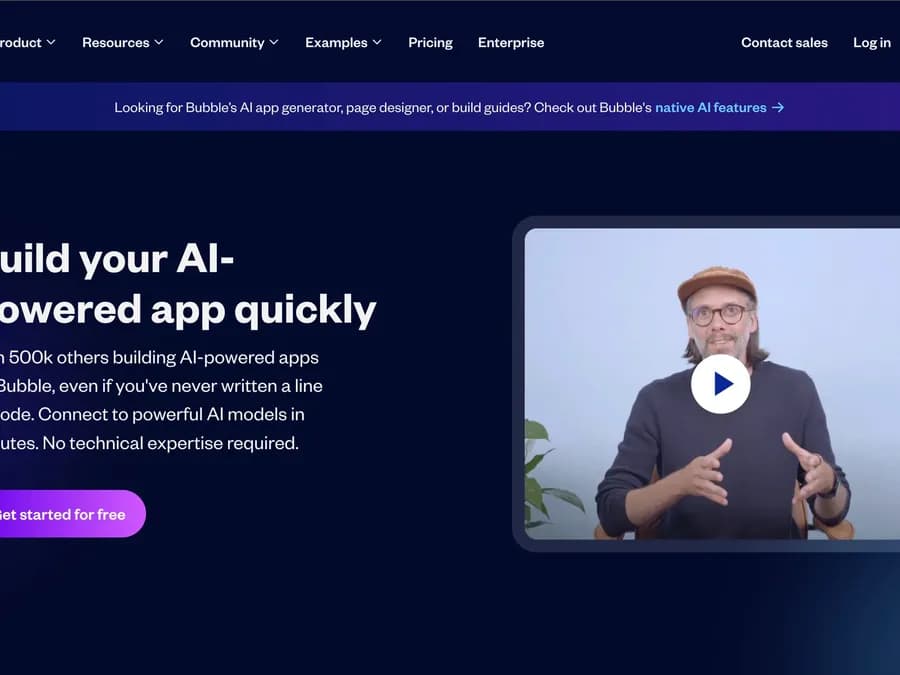
Just like Webflow, Bubble is a no-code tool we use daily at Scroll. It enables our experts to build custom web applications without coding. Like many no-code CMS platforms, it works on a drag-and-drop principle: just drag, drop, and configure elements to design an app. Bubble allows the creation of powerful, interactive web applications.
WordPress
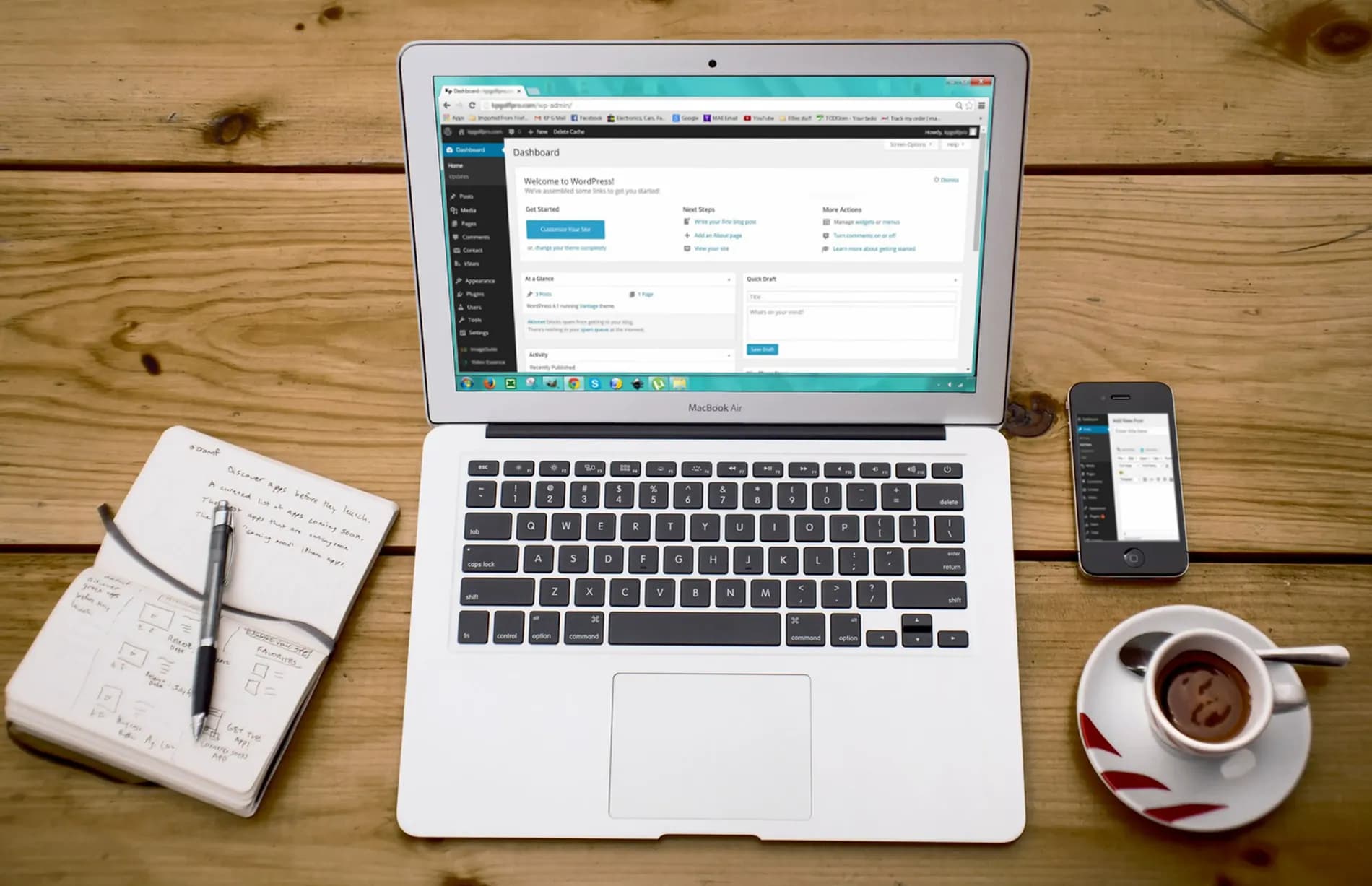
The tool you’re probably all familiar with… WordPress is a CMS (Content Management System) that lets users easily create and manage online content without coding. It was created in 2003 by Matt Mullenweg and Mike Little and has since seen exponential growth. Today, WordPress powers over 60 million websites worldwide. It can be used to build sites of all sizes and types, from personal sites to corporate websites, blogs, portfolios, and e-commerce platforms. The tool is easy to use for simple sites but can become more complex for advanced development. WordPress offers numerous themes and plugins to easily customize your site.
Squarespace
Squarespace is a no-code CMS (Content Management System) that lets users easily create professional websites. Like other platforms, Squarespace doesn’t require coding knowledge to build high-quality sites. Its templates are elegant, intuitive, and known for their minimalist design. The CMS is likely one of the simplest to use but offers more limited features for advanced design or e-commerce, for example.
Wix
Wix is a no-code CMS (content management system) that combines features from the platforms mentioned earlier. Wix is very user-friendly, similar to Squarespace, and offers advanced features to build fairly complex sites—though not as many as Webflow. It also allows the installation of extensions, like WordPress. Like the others, it operates on a drag-and-drop basis.
Scroll supports you with a no-code CMS
At Scroll, we develop websites and web apps for our clients every day using no-code CMS platforms like Webflow and Bubble. Their power and flexibility allow our no-code experts to build tailored solutions that meet your expectations. Have a web or app project in mind? Don’t hesitate to contact us!
-1-900x675.jpg&w=2048&q=75)